Cheap smart pet feeder risks usually appear in reliability, security, portion accuracy, and long-term support rather than in the first few days of use. A low price is not proof that a feeder is unsafe, but a low-cost device deserves more testing before it becomes responsible for unattended meals.
When owners research cheap smart pet feeder risks, they should look beyond app control and attractive features. The important questions are whether the feeder dispenses the correct portion, continues working during WiFi or power loss, resists food jams, protects stored data, and has replacement parts or support when something fails.
A documented product such as a smart automatic feeder with app control can support scheduled meals, but owners should still test its local controls, food path, notification behavior, and backup plan before relying on it during workdays or travel.
Direct Answer: Cheap Smart Pet Feeder Risks
The main risk of a cheap smart pet feeder is false confidence: the device looks automated while the owner has not confirmed that food actually reaches the pet. Low-cost feeders can create problems through inaccurate portions, weak lids, unreliable motors, poor battery behavior, unstable apps, unclear privacy practices, limited software support, and difficult cleaning. The solution is to treat price as one buying factor and verify the complete feeding system before leaving the pet alone.
Why This Happens
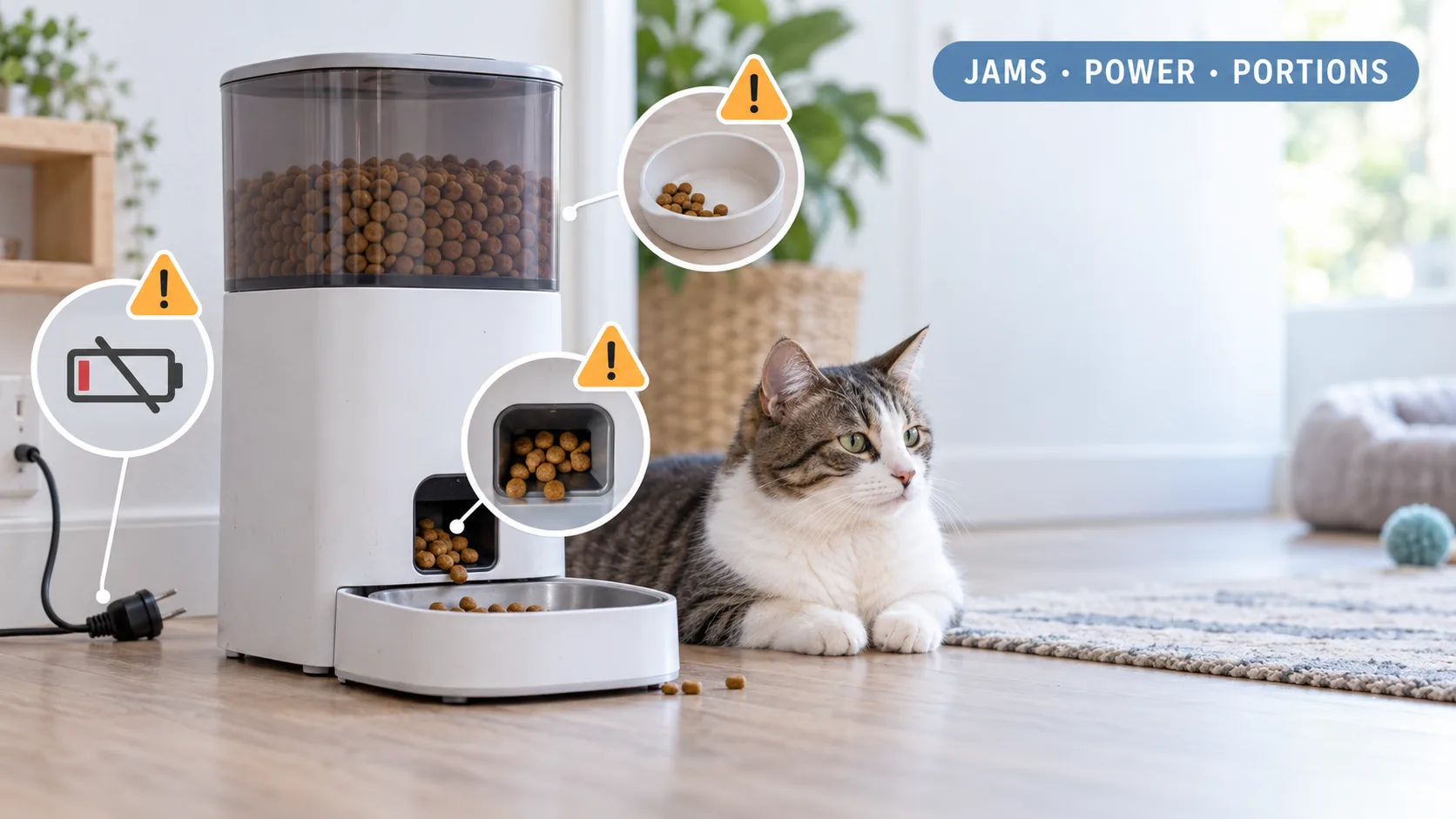
Smart feeders combine a food container, dispensing mechanism, power supply, sensors, software, and mobile app. A cheaper model can perform well in one area and remain weak in another. A feeder can have a polished app but a narrow chute that jams. It can have a large hopper but poor portion consistency. It can send a notification while the bowl remains empty.
Manufacturing cost also affects materials, motor strength, lid design, cable protection, battery compartments, and replacement-part availability. These differences do not automatically make a budget feeder unusable. They do mean that the owner needs evidence from the manual, repeated tests, and real maintenance rather than trusting marketing language.
Connected-device support is another hidden variable. The feeder depends on an app account, router connection, firmware, and sometimes a cloud service. If the manufacturer stops updates or closes the service, remote controls can disappear even when the physical dispenser still operates.
The Federal Trade Commission guidance for securing connected devices recommends changing default passwords, using stronger authentication, and checking for software updates. Those steps apply to smart pet feeders because the feeder is part of the home’s connected-device network.
What To Do
Test portion accuracy
Run at least ten dispensing cycles before trusting the feeder. Weigh each portion and compare the result with the programmed setting. A small difference repeated at every meal can become a large difference over a week.
Test the feeder with the exact food the pet will eat. Kibble shape, size, oil content, and breakage affect how the food moves through the rotor. The pet feeder calibration guide can help owners verify whether the displayed serving matches the actual serving.
Check for jams and food-flow problems
Fill the hopper partly and then fully. Run the feeder after several hours of normal use. Look for food stuck above the rotor, crumbs blocking the chute, and portions that contain mostly dust.
A feeder that works once in an empty test but jams when full has not passed a useful reliability test. Use the automatic feeder jam guide to inspect the food path and identify whether the kibble is too large or irregular.
Test local operation without WiFi
Disconnect the router while leaving the feeder powered. Confirm whether the stored schedule continues and whether the clock remains accurate. Some connected feeders continue dispensing locally after losing internet access, while app commands and notifications still require a connection.
PetSafe states that selected Smart Feed models continue feeding according to their programmed schedule when the feeder is offline. That feature is model-specific, so read the exact manual instead of assuming that every WiFi feeder behaves the same way.
The smart feeder offline guide can help separate an app problem from a complete feeding failure.
Test the power system
Unplug the feeder during an active schedule and confirm whether it switches to battery power. Check how long the backup lasts and whether the device changes its dispensing behavior to save energy.
Do not assume that a battery compartment guarantees full backup operation. Some models require batteries to be installed in advance, while others use batteries only as emergency support. Review the pet feeder battery-backup guide and keep a manual feeding plan ready.
Inspect physical security
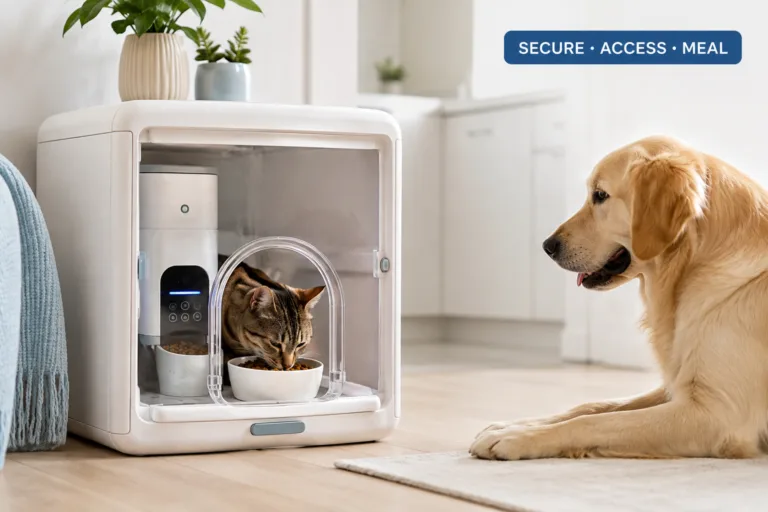
Check whether the pet can lift the lid, tip the feeder, chew the cable, or press the feed button repeatedly. Cats and dogs can turn an unsecured feeder into an uncontrolled food source. Use non-slip placement, cord protection, and a protected feeding area when needed.
Review cleaning and food storage
Confirm that removable parts can be washed and dried properly. Food residue, oil, dust, and moisture can cause both hygiene problems and dispensing failures. The pet feeder maintenance guide can help establish a cleaning cycle before the device develops a blockage.
Check support before buying
Look for a readable manual, visible customer support, firmware information, warranty terms, and replacement parts. A low purchase price loses its value when a broken adapter, battery cover, hopper, or rotor cannot be replaced.
Common Failure Pattern: The Notification Was Correct
A low-cost feeder sends a successful meal notification, so the owner assumes the pet ate. The dispensing wheel turned, but the chute was blocked and only a few crumbs reached the bowl. The owner discovers the missed meal after returning home. The solution is to verify the bowl through a camera or physical check and test the feeder with the intended food before relying on notifications.
The Feeding Loop Behind This Problem
The feeding loop begins when the feeder fails to deliver a complete meal. The pet waits, vocalizes, or follows the owner. The owner responds with an extra manual serving, and the pet learns that a feeder failure produces a larger or tastier meal.
Cheap smart pet feeder risks become behavioral risks when technical failures create unpredictable food access. The pet does not understand whether the problem came from the app, motor, or power supply. It only learns that persistent behavior sometimes produces food.
Break the loop by checking the device first, measuring the replacement portion, and restoring the normal schedule. Do not compensate for one missed serving with several untracked meals.
The Emotional Trigger Owners Miss
Owners often choose a cheap smart feeder because it promises peace of mind at a lower price. That promise can make them less likely to test the device carefully. The owner sees a phone notification and feels reassured even when the bowl, power supply, and food path remain unverified.
Guilt creates a second problem. When the pet appears hungry on camera, the owner sends extra food through the app. That response can cause overeating, especially when the owner cannot confirm whether the earlier meal was consumed.
Use remote controls to manage a tested feeding plan, not to improvise unlimited servings. Confirm the daily ration, check the last successful delivery, and use a designated person for physical problems.
The Addiction Mechanism
There is no clinical addiction involved in smart feeder use, but inconsistent delivery can create strong reward dependency. If the pet sometimes receives food from the feeder and sometimes receives an extra manual serving after begging, the behavior becomes persistent.
Intermittent reinforcement is the mechanism. The pet does not need to succeed every time. One successful food reward after repeated vocalizing can encourage the same behavior during every future delay.
Keep the schedule stable, limit manual feeding, and correct the technical cause instead of rewarding the reaction. A reliable feeder should reduce negotiation around meals, not create another unpredictable food source.
Micro Case: The Unsupported App
A family buys a low-cost feeder with remote app control and uses it successfully for several months. The app then stops receiving updates, remote access becomes unreliable, and the family discovers that the feeder has no usable local schedule button. The device still contains food, but the household cannot confidently change or verify meals. The solution is to choose a feeder with local controls and clear software support before remote features become essential.
Real-World Impact
The most serious cheap smart pet feeder risks involve missed meals, double meals, inaccurate portions, spoiled food, and delayed recognition of a pet’s health problem. A feeder failure can remain invisible when the owner is away and the app reports only that a command was sent.
Privacy is another concern. A smart feeder can collect account details, device identifiers, network information, feeding history, and camera data when cameras are included. The FTC advises users to change default credentials, use two-factor authentication when available, and install security updates for connected devices.
Use the smart device security guide to review passwords, account sharing, router settings, and app permissions. Do not reuse the same password used for email, banking, or other important services.
For pets that rely on strict meal timing, a manual check-in remains important. A camera can show the bowl, but it cannot clear a jam, refill water, remove spoiled food, or identify every illness. Build a backup plan using the emergency feeder guide.
Can This Be Fixed?
Yes, most low-cost feeder risks can be reduced through testing, maintenance, stronger account security, and a physical backup plan. Start by confirming the portion output, food compatibility, offline schedule, battery behavior, and cleaning method.
Do not use price as the only screening factor. A slightly more expensive feeder with local controls, documented support, secure food storage, and replacement parts can cost less over its useful life than a cheap feeder that creates repeated missed meals.
If a device cannot pass a power interruption test, offline test, food-flow test, and portion test, do not trust it for an extended absence. Use it only under supervision or replace it with a better-supported model.
Who Should Walk Away and Who Should Use This
Owners should walk away from a cheap smart feeder when the product has no readable manual, no local controls, unclear privacy terms, no stated food compatibility, unreliable notifications, poor cleaning access, or no visible support channel.
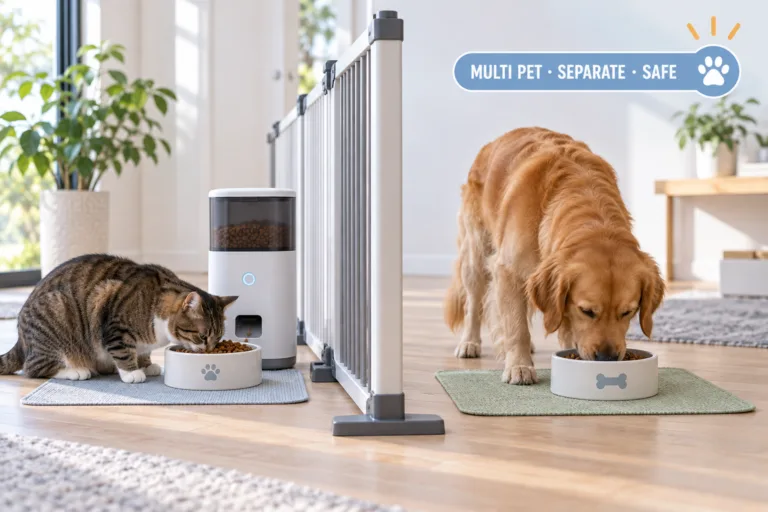
A budget feeder can suit a healthy pet when the owner is usually nearby, the food is compatible, the device passes repeated tests, and manual feeding remains available. It is not a strong choice for long travel, pets with strict medication schedules, multi-pet food separation, or animals that cannot safely miss a meal.
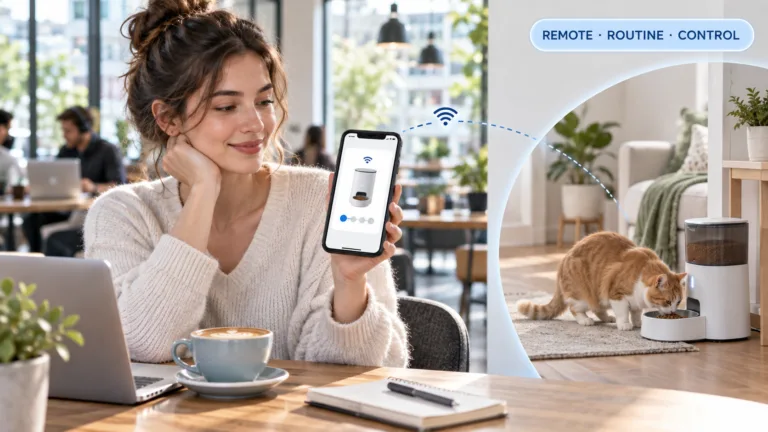
For remote workdays, compare the complete setup in the automatic feeder work schedule guide. Consider the feeder, power, WiFi, food supply, camera position, human check-in, and emergency instructions as one system.
Mini FAQ
What are the biggest cheap smart pet feeder risks?
The biggest risks are inaccurate portions, food jams, power failure, weak app security, poor cleaning access, and limited support. These problems can create missed or excessive meals. Test the exact food, portion output, offline schedule, backup power, and physical security before relying on the feeder.
Is a cheap smart pet feeder safe for vacation?
A cheap feeder is safe for vacation only after it passes repeated real-world tests and has human backup. A remote notification cannot fix a jam, empty hopper, spilled bowl, or sick pet. Test the device before departure and arrange a person to check the home.
Can a cheap smart feeder give the wrong portion?
Yes, portion output can vary with kibble size, shape, motor design, and calibration. The programmed setting is not proof of the delivered weight. Weigh multiple portions with the intended food and recalibrate after every food change.
Are cheap WiFi pet feeders secure?
Security depends on the manufacturer’s device, app, update, and account practices rather than price alone. Low-cost devices deserve closer review because support and update policies can be unclear. Change default passwords, use two-factor authentication, and avoid reusing important account credentials.
Should I replace a cheap smart pet feeder?
Replace it when it fails portion, power, food-flow, offline, or cleaning tests. Repeated jams and unexplained delivery errors can compromise the feeding routine. A better-supported feeder with local controls and a backup plan is the practical solution.
Cheap smart pet feeder risks are manageable only when the owner verifies the complete system. Test portions, food flow, power backup, offline behavior, app security, lid stability, and cleaning access. Choose a low-cost model only when it provides dependable local operation and visible support; otherwise, the money saved at purchase can become the cost of missed meals, inaccurate feeding, and emergency replacements.