
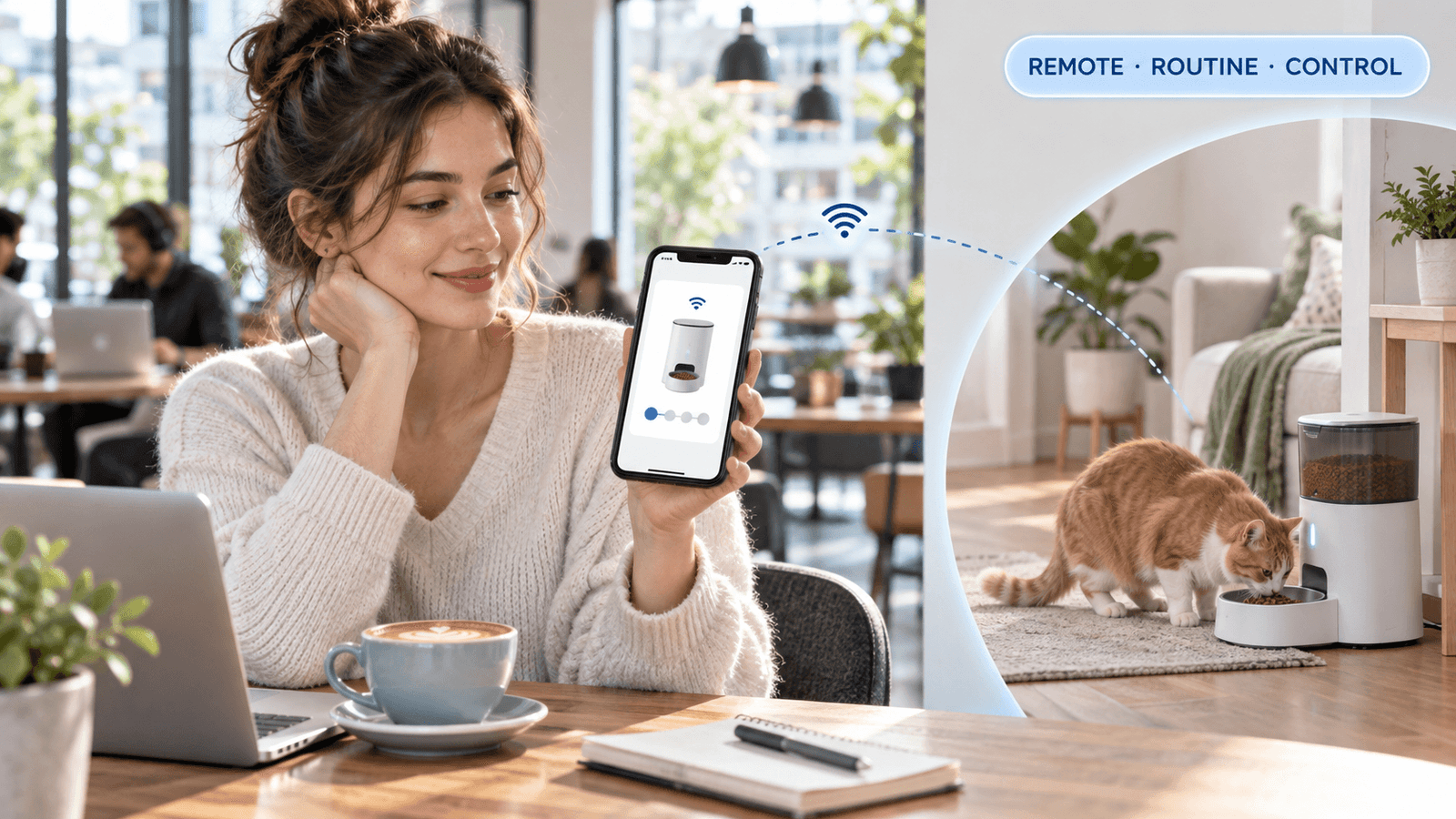
Remote pet feeding solutions work best as monitored feeding systems, not as replacements for human care. A connected feeder can release measured meals, send notifications, and let an owner adjust a schedule from a phone. It cannot reliably handle every problem involving power failure, food blockage, illness, spilled water, or a pet that refuses to eat.
When owners compare remote pet feeding solutions, they should evaluate four separate functions: scheduled dispensing, remote access, status monitoring, and emergency backup. An app that sends food on command is useful, but a dependable system also needs a local schedule, a stable power source, suitable food storage, and someone who can physically check the pet.
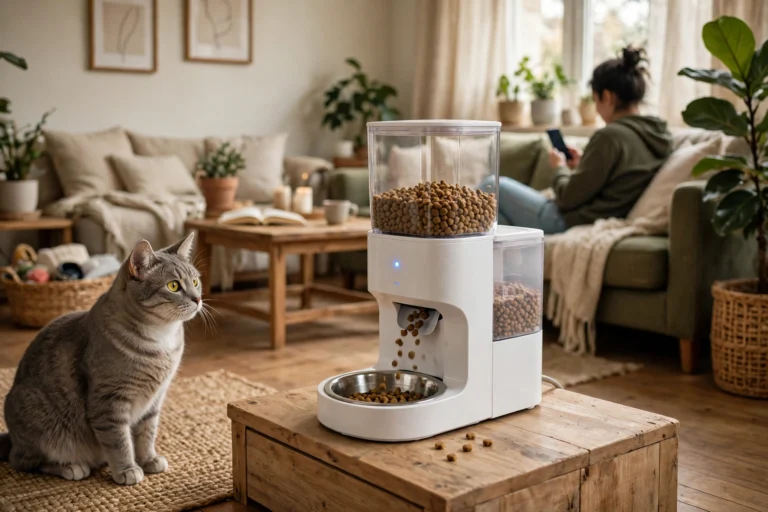
For routine workdays and short absences, a Tuya app-control automatic feeder can provide measured meal delivery and remote schedule management. Its usefulness depends on correct setup and regular testing, not the app alone.
Direct Answer: Remote Pet Feeding Solutions
The strongest remote pet feeding solution combines a local feeding schedule, app access, power backup, low-food alerts, and a reliable person who can inspect the home. App control is valuable for changing meal times or checking status, but the feeder should continue its stored schedule when WiFi fails. A camera improves visibility, while backup power protects against outages. None of these features removes the need for physical support during a long absence.
Why This Happens
Owners usually seek remote feeding because work, travel, illness, or changing schedules makes manual meal delivery difficult. The pet still needs consistent portions, but the owner cannot always return home at the planned time.
Remote feeding becomes complicated because several systems must work together. The feeder needs electricity, the app needs network access, the food needs to move through the dispensing mechanism, and the pet needs to reach the bowl. A failure in any one part can create a missed meal even when the other parts are functioning.
WiFi access is also easy to misunderstand. Some feeders store the programmed schedule locally and continue dispensing when the internet connection disappears. Other features, such as remote changes, live notifications, or manual feeding commands, require an active connection. PetSafe explains that selected Smart Feed models can continue their programmed schedule when offline, while the exact behavior remains model-specific.
A camera provides information, not physical intervention. It can show an empty bowl, a pet waiting, or a feeder that has been knocked over. It cannot clear a jam, replace batteries, remove spoiled food, or help a frightened pet. A camera is therefore a monitoring layer, not a complete care plan.
What To Do
Build the local schedule first
Program the feeder directly or through the app, then confirm that the schedule is stored on the device. Run several meals while the phone is disconnected from WiFi. The feeder should deliver the planned portions without requiring a new command from the app.
Use the smart pet feeder setup guide to confirm meal times, portion settings, food compatibility, and local controls before leaving the pet alone.
Measure portions instead of relying on the hopper
Remote control does not correct an incorrect portion size. Measure the daily ration first, divide it across the scheduled meals, and test the actual output with a scale. Record the result after changing food, cleaning the mechanism, or updating the schedule.
Automatic feeding should make the pet’s intake more visible, not less visible. Count treats, manual refills, and food used with medication. A notification that says “meal dispensed” does not always prove that the pet ate the meal.
Test offline operation
Disconnect the router while the feeder remains powered. Confirm whether the schedule continues and whether the device stores the correct local time. Then restore the connection and check that the schedule has not duplicated or shifted.
The smart pet feeder offline guide can help owners distinguish a network problem from a power, motor, or food-flow problem.
Prepare for power failure
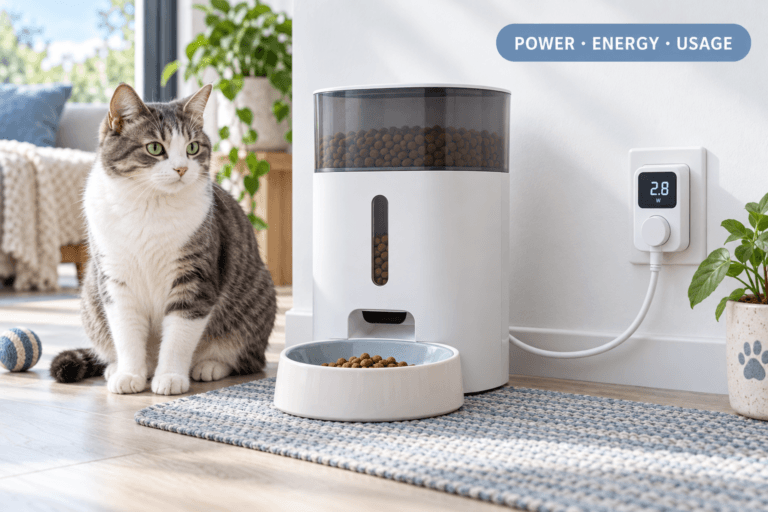
A plug-in feeder needs backup power if the pet cannot miss a scheduled meal. Install the correct battery or backup system, then test automatic switchover by unplugging the adapter. Whisker states that its optional backup battery provides approximately 24 hours for a specific Feeder-Robot configuration; other products have different limits.
Review the pet feeder battery-backup guide and keep spare batteries or a manual feeding plan available.
Use the camera for verification
Place the camera so it shows the food bowl, feeder display, and surrounding floor. Check whether the intended pet reaches the bowl and whether another pet steals the meal. A camera aimed only at the pet’s face cannot confirm food delivery.
Arrange a physical check-in
For absences longer than a normal workday, ask a trusted person to inspect the feeder, bowl, water, temperature, and pet behavior. Give that person the feeding schedule, food location, backup instructions, and emergency contact information.
Common Failure Pattern: The App Said It Fed
An owner receives a successful feeding notification while traveling and assumes the cat ate normally. The feeder had actually dispensed food onto the floor after the bowl was displaced. The cat avoided the area, and the owner did not discover the problem until the next day. The solution is to position the camera toward the bowl, test the feeder with the pet present, and arrange a human check when the absence is long.
The Feeding Loop Behind This Problem
The feeding loop begins when the pet expects food at a predictable time. The feeder dispenses a portion, the pet eats, and the routine becomes stable. When the feeder fails, the pet waits, vocalizes, or follows the owner after they return. The owner then provides an oversized replacement meal, which creates an inconsistent reward pattern.
Remote pet feeding solutions are useful because they move scheduled food delivery away from the owner’s immediate presence. The pet learns that meals arrive from the feeder at planned times instead of arriving only when the owner responds to begging.
The loop still needs observation. If the pet does not eat, the feeder cannot decide whether the cause is stale food, pain, stress, a blocked chute, or a displaced bowl. The owner or designated helper must check the physical situation and respond appropriately.
The Emotional Trigger Owners Miss
Remote feeding often creates false reassurance. Owners see a connected app and assume the pet’s care is fully automated. When the pet is out of sight, the owner may ignore a low-food notification, dismiss an offline alert, or assume a camera connection problem is harmless.
Travel also creates guilt. Owners sometimes send repeated extra meals through the app because the pet appears hungry on camera. That behavior can cause overfeeding, especially when the owner cannot verify what the pet already ate.
Use the app to manage the plan, not to improvise every meal. Check the daily ration, confirm the last successful delivery, and let the helper handle problems that require physical access.
The Addiction Mechanism
There is no clinical addiction involved in remote feeding, but unpredictable app-based food delivery can create a strong reward dependency. If the pet receives extra servings after vocalizing at the camera or feeder, begging becomes more persistent.
Intermittent reinforcement is especially strong when the owner responds from different time zones or changes the schedule repeatedly. The pet cannot predict the meal, but it learns that louder behavior sometimes produces food.
Keep the schedule stable, use measured portions, and reserve remote manual feeding for genuine schedule changes. Do not turn the app into an unlimited treat button.
Micro Case: The Three-Layer Backup
A dog owner works long shifts and uses an app-controlled feeder with a camera. Before leaving, the owner tests the local schedule, unplugs the adapter to confirm battery switchover, and asks a neighbor to check the bowl each evening. When the WiFi fails, the feeder continues locally, while the neighbor confirms that the dog actually ate. The solution works because app control, backup power, and human inspection cover different failure points.
Real-World Impact
Remote pet feeding solutions can support predictable meals, portion control, and better routines for owners who work late or travel. They can also create new risks when owners assume the technology proves that the pet is safe, fed, and healthy.
A missed meal can result from a jam, empty hopper, power failure, disconnected router, wrong time zone, displaced bowl, or food that the pet refuses to eat. The pet feeder jam guide can help owners prepare for mechanical problems, but only a person at home can physically correct the issue.
For vacation planning, maintain the pet’s normal routine and arrange daily health checks. The AVMA travel guidance for pets emphasizes maintaining feeding routines and checking the pet while away.
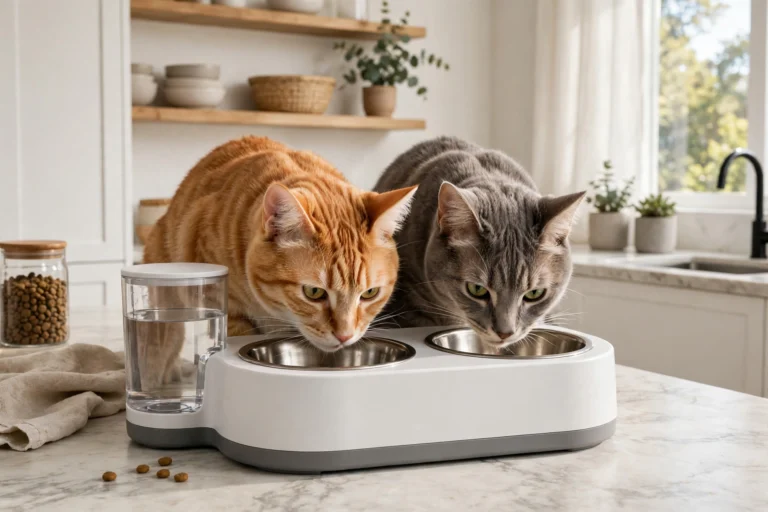
Multi-pet homes require additional separation. One pet can eat another pet’s food while the camera shows only that the bowl was emptied. Use separate feeding locations or identification-based access, and review the multi-pet feeding guide.
Can This Be Fixed?
Yes, remote feeding can be made reliable when owners treat it as a system with backup layers. Start with a local schedule, accurate portions, suitable dry food, stable power, and a camera view of the bowl. Then add app control and human inspection.
Run a full test before every long absence. Disconnect WiFi, interrupt power, trigger a manual feed, inspect the bowl, and confirm that the pet can access the food. Test the alert system from another phone so a family member can respond if the primary owner is unavailable.
Clean the feeder before loading it for a trip. The smart feeder cleaning guide can help prevent residue, stale food, and dispensing problems during the absence.
Who Should Walk Away and Who Should Use This
Owners should avoid relying on remote feeding alone when the pet needs wet food without refrigeration, has a strict medication schedule, regularly refuses meals, can knock over the feeder, or has a history of health emergencies. These situations require stronger physical supervision.
Remote systems suit healthy cats and dogs that eat compatible food, tolerate the feeder, and follow a stable routine. They are particularly useful for workdays, early departures, short trips, and households that need measured portions delivered without manual timing.
Choose a feeder with local schedule storage, reliable notifications, secure food storage, easy cleaning, power backup, and a manual control option. A camera-equipped product such as a smart feeder with camera and double-bowl monitoring can improve visibility in multi-pet homes, but the owner still needs a physical backup plan.
Mini FAQ
What are the best remote pet feeding solutions?
The best solution combines scheduled dispensing, app control, local offline operation, backup power, and human check-ins. Each feature covers a different failure point. Test the feeder before leaving, keep portions measured, and arrange someone who can inspect the pet.
Can an automatic feeder work without WiFi?
Some feeders continue a schedule stored locally when WiFi fails. Remote commands and alerts still require connectivity on many models. Disconnect the router during testing and confirm that the feeder continues dispensing the correct meals.
Do I need a camera with a remote pet feeder?
A camera is useful when you need to verify bowl access and pet behavior. An app notification confirms a command or dispensing event, not always successful eating. Aim the camera at the bowl and arrange a physical check for extended absences.
Can remote feeding replace a pet sitter?
Remote feeding cannot replace a pet sitter or trusted check-in for long absences. Technology cannot remove spoiled food, clear a jam, refill water, or respond to illness. Use the feeder to support human care, not eliminate it.
Is remote feeding safe for pets with medical conditions?
Remote feeding requires a more carefully tested plan when meals are linked to medication or medical treatment. Timing, portions, food refusal, and device failure all matter. Use a written schedule, local backup, and reliable physical supervision rather than depending on app access alone.
Remote pet feeding solutions are most reliable when technology and human oversight work together. Use local schedules for routine delivery, app control for adjustments, cameras for visibility, backup power for outages, and a trusted person for physical checks. The goal is not simply to send food remotely; it is to make sure the right pet receives the right meal and remains safe while you are away.