
Smart Pet Feeder With App Control: Tuya, WiFi and Button-Backup Models Compared
Smart Feeding Guide
“App control” covers three different machines. This comparison separates Tuya ecosystem feeders, direct WiFi feeders, and app feeders with button backup — using only confirmed specifications for each model we sell.
SmartPetTools Editorial Team · Prices and specifications checked 30 October 2026
Quick answer
Pick the smart pet feeder whose control type matches your home: a Tuya model if you already use Smart Life, a WiFi model if the feeder is your only smart device, and a button-backup model if a house-sitter ever feeds your cat. The three models compared below cover all three types.
What makes a smart pet feeder “app control”? Three different things
Almost every smart pet feeder claims app control, but the difference matters the first time your router reboots, your phone is flat, or the person feeding your cat does not have the app. Background on feline feeding routines generally is available from Cornell’s Feline Health Center guide to feeding your cat.
Tuya ecosystem (Smart Life app)
The feeder joins the same app as other Tuya smart-home devices — one more tile in an app you already open. Our Smart Life pet feeder setup guide covers pairing and schedules for this type of smart pet feeder.
Direct WiFi app control
The feeder connects over WiFi and is scheduled from an app, without joining a wider smart-home platform. Simpler if the feeder is your only smart device.
App plus button backup
Scheduling lives in the app, but feeding can also be triggered on the device itself. This type keeps working for a house-sitter — and it is the type whose absence people regret most. For what app control adds day to day, see the benefits of an app-controlled pet feeder.
Every smart pet feeder in our range, compared
All three models sit in our smart feeders collection. Cells marked “not specified” are genuinely absent from the documentation we hold — we will not fill them with plausible numbers.
| Model | Control | Portion | Kibble size | Power | Price (checked 30 Oct 2026) |
|---|---|---|---|---|---|
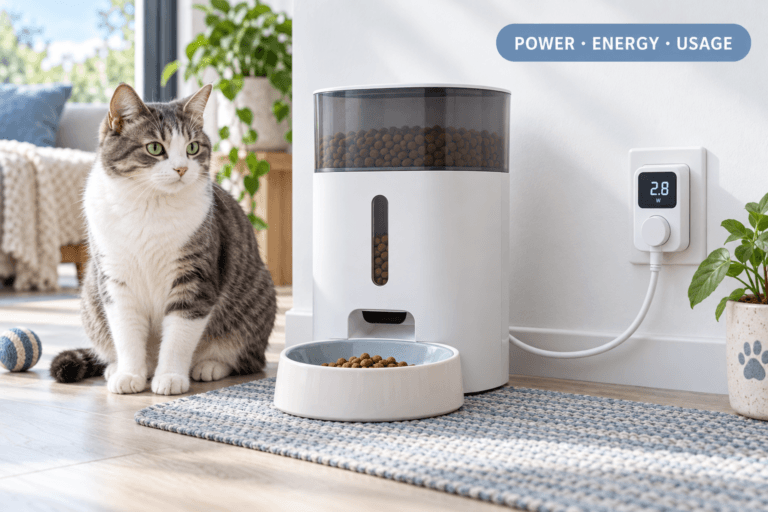
| 3.5L Smart Cat Feeder WiFi Swirl Slow Feed Voice | Tuya app control variant, or key control (no app) variant | Approx. 5 g per portion (output range 4–100 g) | 5–15 mm dry food | DC 5V/1A adapter (USB) with 3 × AA battery backup (batteries not included) | from $90.54 |
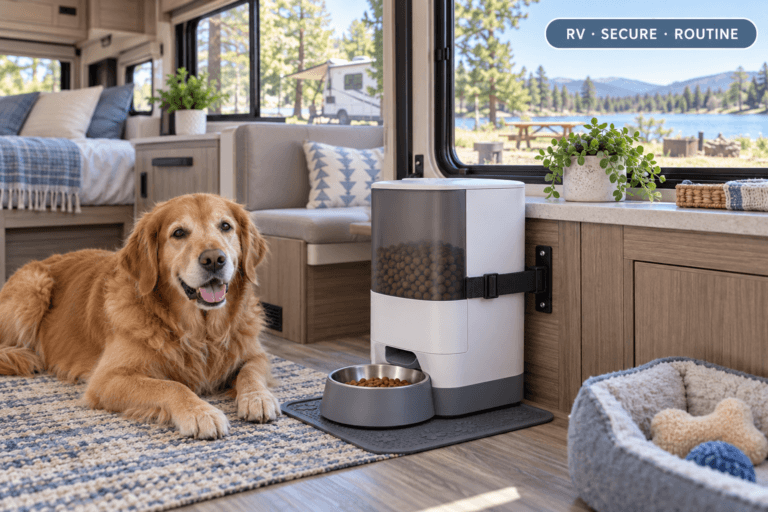
| 4L WiFi Automatic Pet Feeder with Button Backup | WiFi app control + button control on the device | Not specified in the product’s documentation | Not specified | USB powered (adapter not included) | from $88.00 |
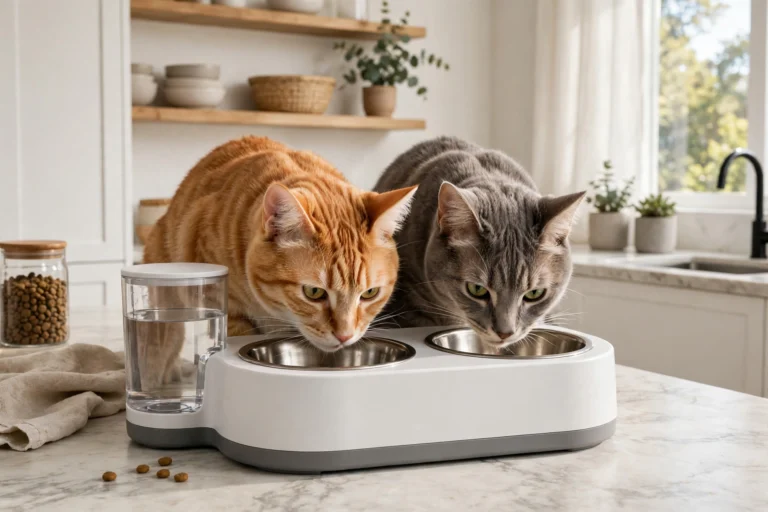
| 4.5L Smart Pet Feeder WiFi/Button with Stainless Steel Bowls | WiFi app control or button control variants | Not specified in the product’s documentation | Not specified | Not specified | from $98.94 |
Also confirmed: the 3.5L Tuya model has a swirl slow-feed design, a voice recorder, an ABS body with a dishwasher-safe stainless steel bowl, and weighs about 0.8 kg. The 4L model adds voice recording and a low-food alert. The 4.5L model feeds two stainless bowls and includes a low-food alert.
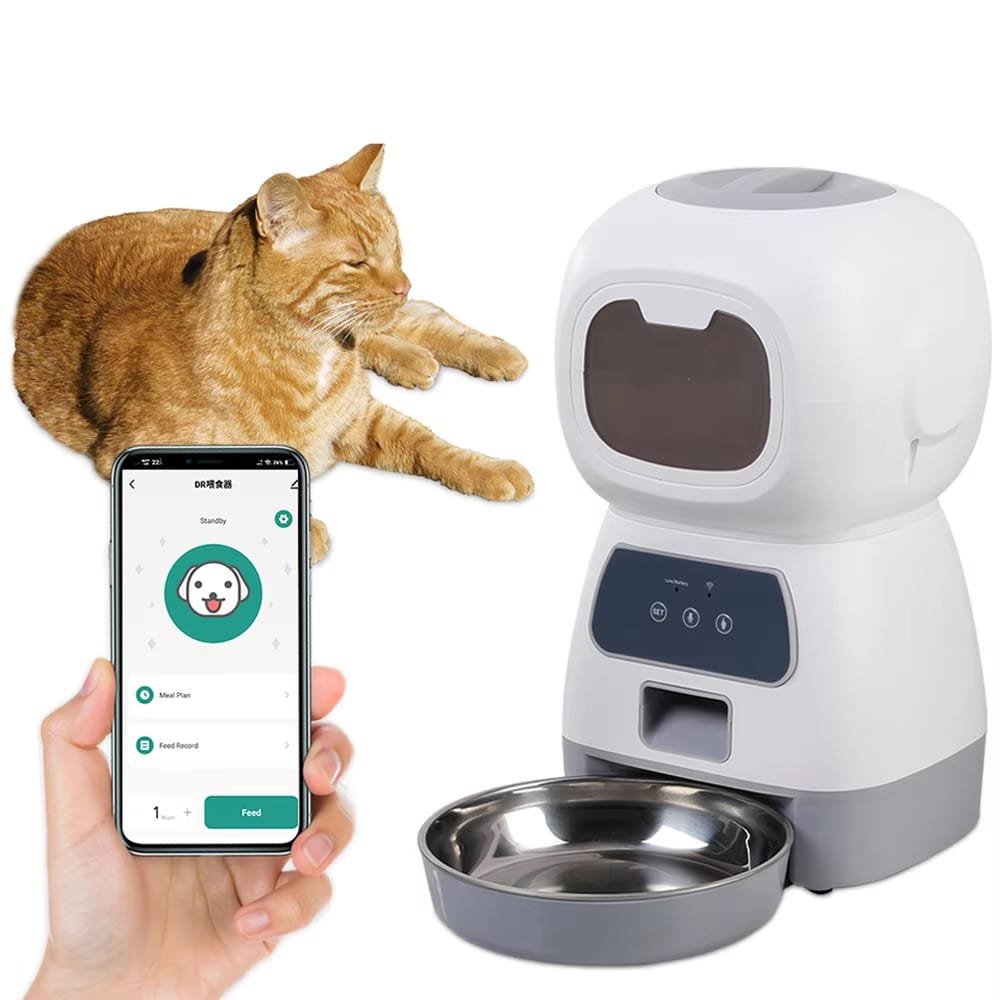
3.5L Tuya model — for Smart Life homes
The finest-grained dispenser here at roughly 5 g per portion, with a confirmed 5–15 mm kibble range and battery backup.
4L WiFi model — app scheduling with a fallback
WiFi app control plus on-device buttons, at the lowest starting price of the three, with voice recording and a low-food alert.
4.5L model — two bowls, two control choices
The only model here feeding two stainless bowls at once, in a WiFi variant or a button variant of the same feeder.
How to choose and set up a smart pet feeder in five steps
- Pick the control type first. Tuya, direct WiFi, or app plus buttons — decide before comparing capacities.
- Check your food against confirmed kibble sizes. Only buy on a kibble range the documentation actually states.
- Connect and pair the feeder. Follow the product’s own instructions to join your home WiFi and pair the app.
- Set the schedule, then test one portion. Run a single test dispense and weigh it before trusting the routine.
- Agree the backup plan. Know what happens on a power cut — battery backup where fitted — and who can press the button if the app is unreachable.
How to choose your smart pet feeder
Pick the 3.5L Tuya model if your home already uses Smart Life or portion precision matters — it is also the natural current choice for anyone searching specifically for a tuya pet feeder. Pick the 4L WiFi model if you want app scheduling with a physical fallback at the lowest price. Pick the 4.5L model if two pets eat at once.
A note on the model that used to anchor this page
Our 2L app-control feeder has been discontinued and is no longer sold, which is why older articles on this site may mention it. The three models above are the current smart pet feeder range; if you arrived here from an older post, this comparison replaces that recommendation.
FAQ
Does a smart pet feeder keep feeding if the WiFi drops?
That depends on the model and how its schedule is stored, and the documentation we hold does not make that claim for these three — so we do not promise it. The battery backup on the 3.5L model covers power cuts; for connection questions, ask us about the specific model before ordering.
Which app does each smart pet feeder use?
The 3.5L model’s app variant is Tuya (Smart Life). For the 4L and 4.5L models, the documentation confirms WiFi app control but does not name the app, so we do not name one here.
Why do some cells in the table say “not specified”?
Because the supplier and store documentation genuinely does not state those figures for those models. We would rather mark the gap than copy a number from a different feeder.
Can a smart pet feeder work without any app at all?
Yes, in two ways here: the 3.5L model has a key-control (no app) variant, and button-control models can be fed from the device. Choose that type if you want timed feeding without an account or a phone.
What does battery backup on a smart pet feeder actually cover?
On the 3.5L model, the 3 × AA backup (batteries not included) keeps the feeder powered through an electricity cut alongside its DC adapter. It is a power backup, not a WiFi backup.
Keep reading
Smart Life pet feeder setup guide
Pairing, schedules and settings for Smart Life / Tuya feeders.
Every app-capable model compared here, in one place.