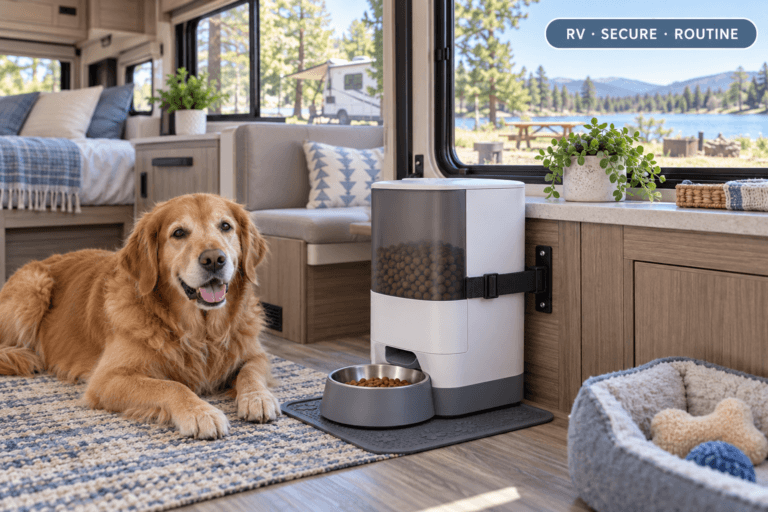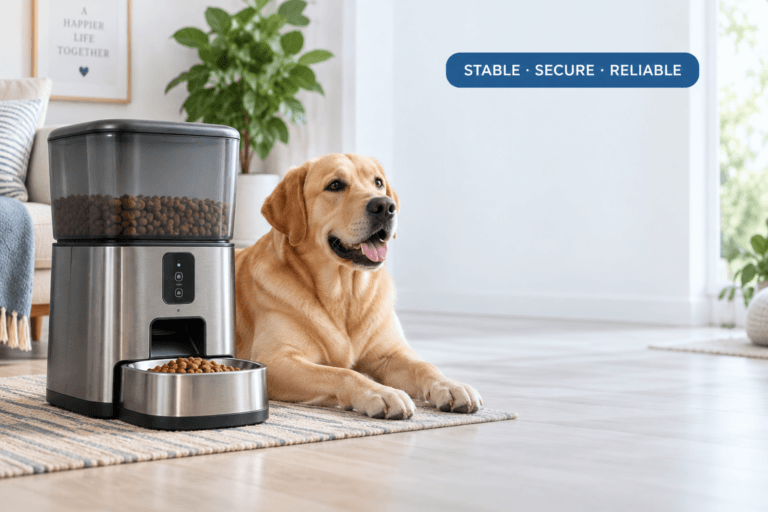

A WiFi pet feeder with camera is not just an automatic feeder with a lens attached. It is a remote meal-verification system. The point is not only to send food from an app. The point is to confirm whether food was dispensed, whether the right pet ate it, whether the bowl is blocked, whether the feeder stayed online, and whether the routine still works when the owner is not standing beside the bowl.
For homes that need remote meal checks, a smart WiFi pet feeder with camera can support feeding control during workdays, short trips, early mornings, and multi-pet routines. The camera should reduce uncertainty, not turn every pet movement into another snack request.
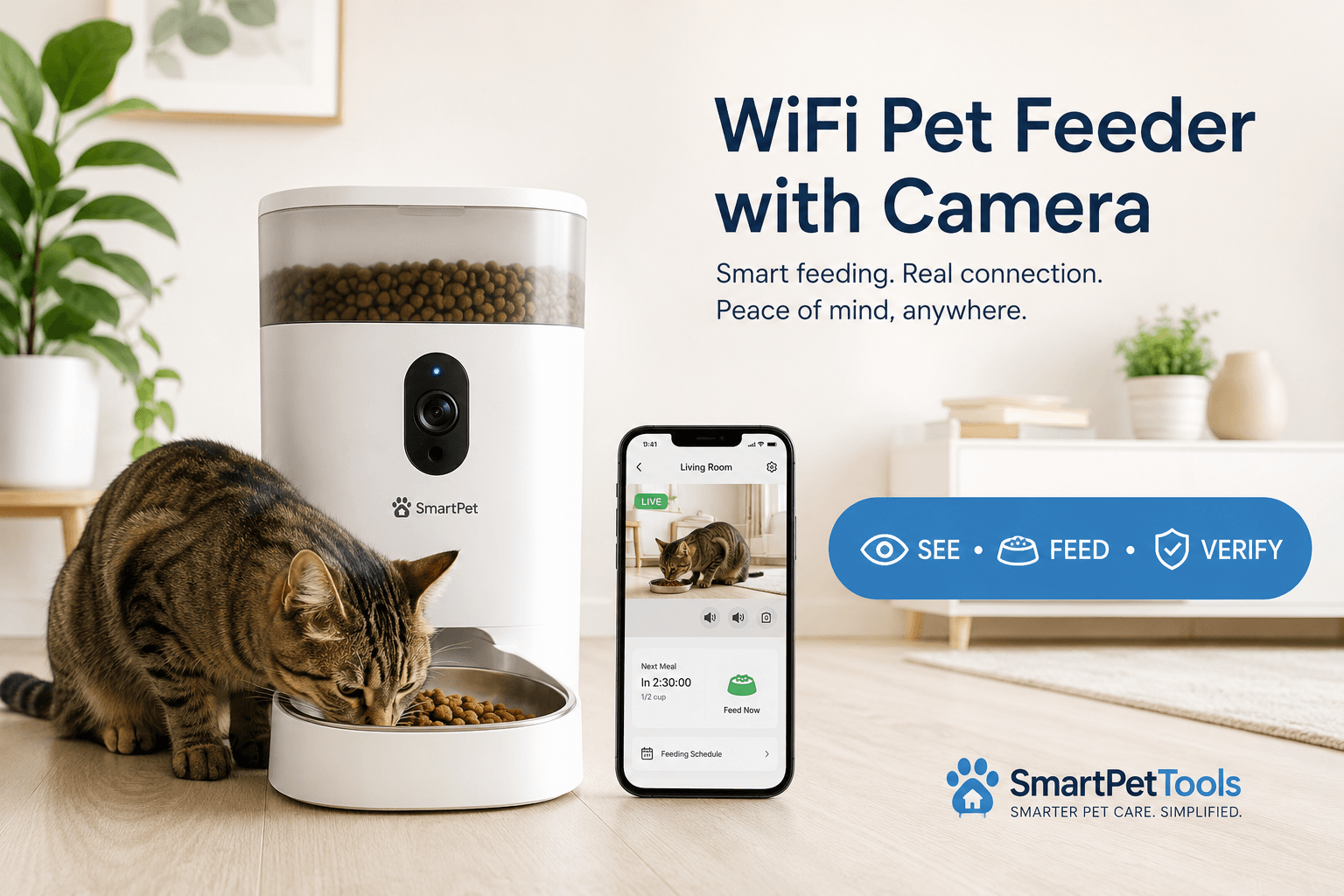
Direct Answer: WiFi Pet Feeder With Camera
A WiFi pet feeder with camera lets owners schedule meals, dispense measured dry food, and visually confirm feeding through an app. The best setup uses strong WiFi, correct placement, tested portions, secure app access, clean food paths, stable power, and a camera angle that shows the bowl clearly without exposing unnecessary household privacy.
The biggest mistake is buying a WiFi pet feeder with camera only for remote feeding. Remote feeding alone can create overfeeding if the owner taps manual feed every time the pet appears on camera. The real value is verification: did the meal drop, did the pet eat, did another pet steal it, did the bowl overflow, and did the feeder stay connected?
Why Camera Feeders Solve a Real Problem
Standard automatic feeders can dispense on schedule, but they do not always answer the owner’s real question: what happened after the meal dropped? A camera feeder adds observation. That matters when the pet skips meals, eats too fast, steals food, begs after eating, or lives in a multi-pet home where one animal can take another’s portion.
The AVMA’s pet nutrition guidance treats feeding as part of routine health care. A WiFi pet feeder with camera supports that routine when it helps owners observe actual intake instead of assuming that dispensed food equals eaten food.
Camera verification is especially useful for cats that graze, dogs that inhale food, shy pets, pets on weight-control plans, and homes where owners work irregular hours. It gives evidence. Without evidence, owners often overcorrect with extra food.
What To Do First
Start with the feeding problem, not the feature list. Decide whether the goal is remote verification, scheduled feeding, portion control, multi-pet monitoring, camera checks during travel, or reducing early-morning wakeups. Then choose placement, WiFi setup, and feeding schedule around that goal.
A practical WiFi pet feeder with camera setup has six controls: clear bowl view, strong WiFi signal, stable power, measured portions, clean food path, and secure app access. If one control is weak, the camera may create more stress than confidence.
Use how to use a smart pet feeder for the setup layer. The feeder should be paired, scheduled, tested, and checked before the owner depends on it during work, sleep, or travel.
The Feeding Loop Behind Camera Feeder Problems
The feeding loop starts when the owner opens the app and sees the pet near the feeder. The pet looks hungry. The owner presses manual feed. The pet eats. The owner feels reassured. Later, the scheduled meal still runs. The daily food amount quietly increases.
That loop is common because camera access creates emotional pressure. Seeing the pet makes the owner want to act. The problem is that visibility does not always equal hunger. A pet standing near the feeder may be bored, curious, waiting from habit, or responding to the owner’s previous app-fed rewards.
A controlled WiFi pet feeder with camera routine uses the camera to verify meals, not to replace the feeding schedule. Manual feeding should be measured, logged, and rare. The camera is a check tool, not a remote treat button.
The Emotional Trigger Owners Miss
The emotional trigger is remote guilt. Owners check the camera while at work or away from home and feel responsible for every movement near the feeder. That feeling can turn into unnecessary feeding, repeated app checks, and constant schedule changes.
A camera feeder should lower anxiety by showing facts. Did the feeder dispense? Is the bowl empty? Did the pet eat? Is the station clean? Is another pet interfering? If the owner uses the camera only to react emotionally, the system becomes unstable.
For better schedule discipline, use scientific pet feeding schedule. A WiFi pet feeder with camera works best when the camera checks the schedule instead of constantly changing it.
The Addiction Mechanism
The addiction mechanism is remote reward conditioning. If the pet learns that standing in front of the camera causes food to appear, the pet may repeat that behavior. The owner then sees the pet at the feeder more often and feeds more often. The loop reinforces itself.
This is especially risky for cats that beg after meals and dogs that eat quickly. The camera does not create the behavior by itself. Owner response creates the behavior. The app button makes that response easier and faster.
A healthy WiFi pet feeder with camera system separates observation from reward. Watch first. Check the schedule. Check the bowl. Feed only if the planned meal failed or the routine actually requires a manual portion.
Camera Placement Rules
The camera should show the bowl, the food outlet, and enough surrounding floor to confirm whether the pet is eating. It should not point at private rooms, doors, desks, screens, documents, windows, or areas where household members move through the frame unnecessarily.
A WiFi pet feeder with camera should be placed on a dry, level surface where the pet can eat naturally and the camera can see the bowl. Avoid dark corners, reflective surfaces, direct sunlight into the lens, and locations where the feeder is pushed against a wall so tightly that the camera cannot see the food clearly.
Use smart feeder placement before final installation. Camera quality, eating comfort, WiFi stability, power safety, and cleaning access all depend on location.
WiFi Stability Matters More With Cameras
A basic smart feeder may need enough WiFi for schedules and app controls. A camera feeder needs more stability because video requires a stronger, more consistent connection. A feeder can still dispense while the video freezes, which creates confusion if the owner uses the camera as the only proof of feeding.
The FCC’s home network security guidance explains why secure and properly managed home networks matter. For a camera feeder, network quality affects connection, privacy, app control, and meal verification.
If a WiFi pet feeder with camera disconnects often, test it near the router first. Then test the final feeding station. If it works near the router but fails in the kitchen, hallway, garage, or patio, the location is the problem. Use pet feeder WiFi connection to fix setup and signal problems.
Privacy and App Security
A camera feeder is a connected device inside the home. It may capture pet activity, voices, room layout, schedules, or household movement. The camera should be treated as a privacy device, not only a feeding feature.
The FTC’s guidance on securing internet-connected devices at home recommends keeping connected devices and apps updated and using available security features. For a WiFi pet feeder with camera, that means strong app passwords, controlled account sharing, current software, and careful camera placement.
Use smart device security when setting up app access. Do not give every household member full feeding control if only one person manages portions. Remove pet sitter access when the care period ends.
Portion Control Still Needs Calibration
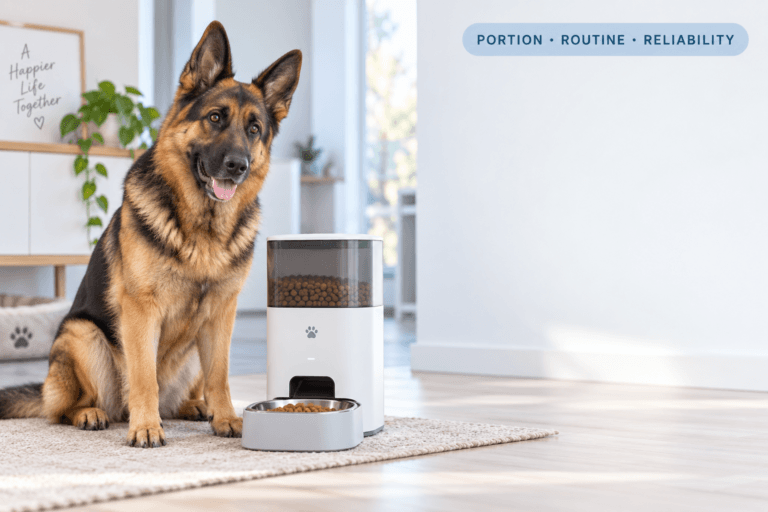
The camera can show food in the bowl, but it cannot guarantee the portion is correct unless the feeder has been tested. Kibble size, density, shape, and chute design can change how much food actually drops per portion.
Use a digital kitchen scale. Run several test portions. Weigh the food. Calculate the average. Build the schedule from real grams rather than assuming the app’s portion label matches the pet’s food plan.
Use pet feeder calibration after setup, food changes, firmware updates, cleaning, or jam problems. A WiFi pet feeder with camera gives better data only when the food amount is measured correctly.
Power and Backup Planning
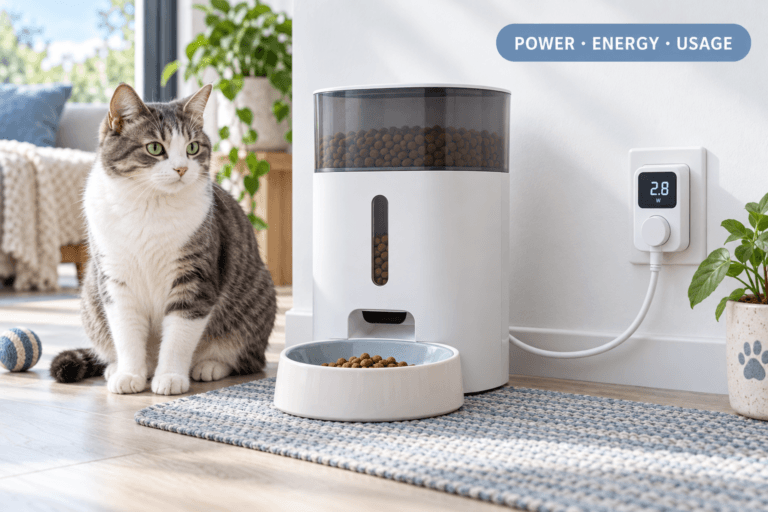
Camera feeders depend on stable power. If the feeder loses power, the app may show offline, the camera may stop streaming, and scheduled meals may be at risk depending on the model. Check the adapter, cable, outlet, and backup battery status during setup.
Battery backup protects the feeding routine during short outages, but it does not replace proper cable placement or routine checks. If a pet can chew the cord or pull the feeder, the entire station remains unsafe.
Use pet feeder with battery backup and chew proof pet feeder cable when power reliability is part of the setup. A WiFi pet feeder with camera is only useful remotely when it stays powered locally.
Firmware and App Updates
Firmware can affect camera streaming, schedule memory, notifications, connection stability, privacy settings, and motor behavior. App updates can change permissions, login status, notification behavior, and interface controls. After any update, verify the feeding plan.
A camera feeder update should not be started right before a scheduled meal, before leaving for work, before sleep, or during travel. Update when the owner can watch the feeder, confirm the app, and run a test dispense.
Use smart feeder firmware update. A WiFi pet feeder with camera should be updated carefully because both feeding and video features depend on software stability.
Cleaning and Food Path Checks
The camera can reveal leftover food, bowl overflow, ants, or pet refusal, but it cannot clean the station. Kibble dust, food oil, saliva residue, moisture, and stale crumbs still build up inside the bowl, tray, chute, and tank.
Clean removable food-contact parts regularly. Dry everything fully before refilling. Keep the camera lens clear of dust and food residue. Do not spray cleaner into electronics, ports, speakers, microphones, or camera openings.
Use clean smart pet feeder and pet feeder maintenance. A WiFi pet feeder with camera that is dirty can still look advanced while delivering poor feeding hygiene.
Common Failure Pattern
The common failure pattern is treating the camera as proof that everything is fine. The owner sees the pet near the bowl and assumes the feeder is working. But the portion may be wrong, another pet may have eaten first, the bowl may contain old food, or the pet may be waiting because the last meal did not dispense.
The second failure is overusing manual feed. Camera visibility makes it too easy to send extra food. This weakens weight control and teaches the pet to perform for the feeder.
The third failure is weak privacy control. A camera feeder should not expose more of the home than needed. The bowl view is the goal. Broad room surveillance is usually unnecessary for feeding.
Real-World Impact
The real-world impact of a well-set WiFi pet feeder with camera is cleaner confidence. The owner can verify meal delivery, check whether the pet ate, notice bowl problems, identify food stealing, and avoid panic feeding. Remote feeding becomes evidence-based instead of emotional.
The impact of a weak setup is the opposite: frozen video, offline alerts, overfeeding, privacy exposure, missed meal uncertainty, and constant app checking. The feeder becomes another source of anxiety because the system was not installed and maintained correctly.
For homes dealing with offline warnings, use smart pet feeder offline. Connection problems should be handled with verification, not automatic extra feeding.
Can This Be Fixed?
Yes, most camera feeder problems can be fixed with a structured reset. Clean the feeder. Reposition the camera. Confirm WiFi strength. Secure the app account. Check power. Update firmware only when stable. Calibrate portions. Run a test dispense. Watch one full meal cycle before trusting the system remotely.
Then run a seven-day camera-feeder check. Record meal times, video clarity, food output, pet eating behavior, app alerts, manual feeding, leftovers, WiFi drops, and whether another pet appears in the frame. If the same problem repeats, correct the cause instead of changing random settings.
For product selection, start with the smart feeders collection. Choose based on camera angle, app reliability, food capacity, portion control, cleaning access, power backup, and whether the household truly needs remote visual verification.
Who Should Walk Away and Who Should Use This
Walk away from a WiFi pet feeder with camera if the home has unstable WiFi, no secure app habits, no plan to clean the feeder, or owners who will press manual feed every time the pet appears on screen. A camera feeder makes weak habits more visible, not automatically better.
Use a WiFi pet feeder with camera if the owner needs meal verification, remote checks, multi-pet monitoring, early-morning feeding control, shift-work feeding, travel support, or evidence that the correct pet ate the correct amount. It is especially useful when the camera prevents guessing and reduces extra manual food.
Cat owners can compare the cat feeders collection when small portions, quiet operation, and bowl comfort matter. Dog owners can use the dog feeders collection when stability, food volume, and cable protection need stronger control.
Mini FAQ
What is a WiFi pet feeder with camera?
A WiFi pet feeder with camera is an app-connected automatic feeder that dispenses scheduled meals and lets the owner visually check the bowl or pet through a built-in camera. Its main value is meal verification.
Is a WiFi pet feeder with camera worth it?
A WiFi pet feeder with camera is worth it when you need remote meal confirmation, multi-pet monitoring, travel checks, or proof that the pet actually ate. It is less useful if the owner only wants a simple timed feeding routine.
Can a camera feeder help stop food stealing?
A camera feeder can help identify food stealing by showing which pet eats from the bowl. It does not stop stealing by itself. Multi-pet homes still need placement, timing, supervision, or access-control strategies.
Does a WiFi pet feeder with camera need strong internet?
Yes, a WiFi pet feeder with camera needs stronger connection stability than a basic feeder because video streaming uses more bandwidth. Weak WiFi can cause frozen video, delayed app response, and offline alerts.
Is a camera pet feeder safe for privacy?
A camera pet feeder is safer when it points only at the bowl, uses a strong app password, keeps software updated, and limits account sharing. Do not aim the camera at private household areas.
Can I feed manually through a camera feeder?
You can feed manually through many camera feeders, but manual feeding should be measured and rare. Do not send extra food every time the pet appears on camera, or the feeder can become a remote overfeeding tool.
The best camera feeder setup is simple: clear view, strong WiFi, secure app, measured food, clean station, stable power, and disciplined manual feeding. A WiFi pet feeder with camera should help the owner see the truth of each meal, not create more guessing behind a better-looking app.