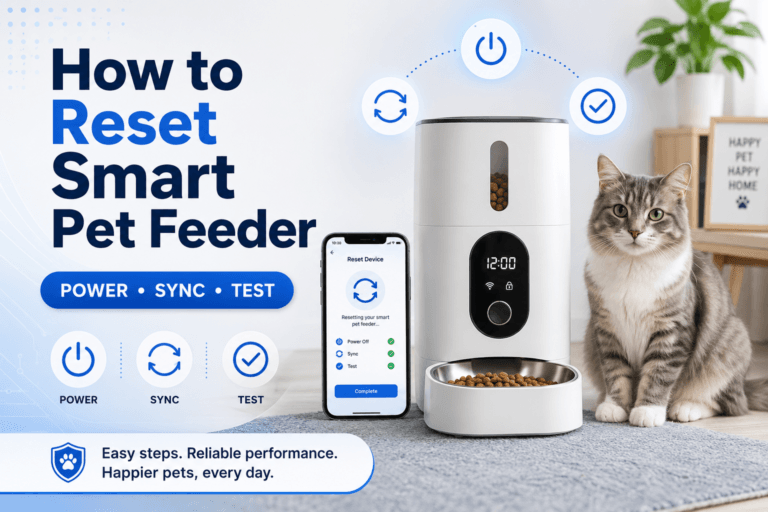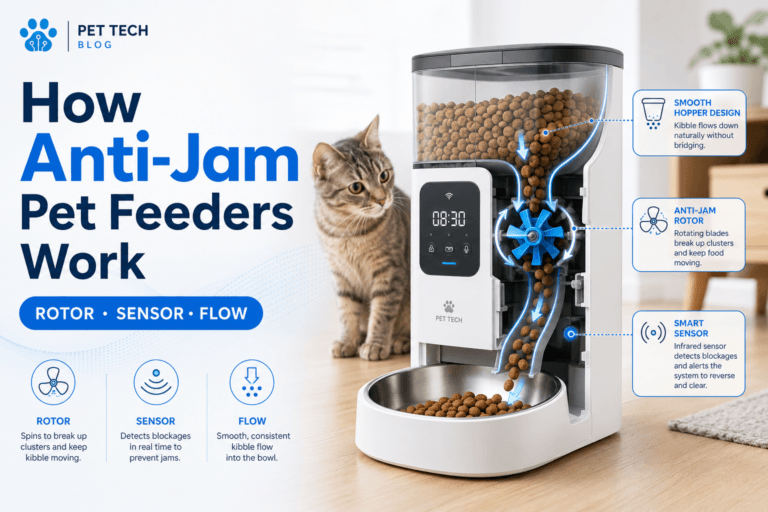

A smart pet feeder wifi connection problem is not just an app annoyance. It can break remote feeding, meal timing, portion confidence, and the routine your pet relies on when you are away. A feeder that drops offline at the wrong time turns a controlled feeding system into guesswork.
For owners who need remote control instead of a feeder that only works when everything is perfect, a smart automatic pet feeder with app control gives the strongest value when the WiFi setup is stable, tested, and tied to a strict feeding schedule. The app is useful only when the connection supports the routine.
Direct Answer: Smart Pet Feeder WiFi Connection
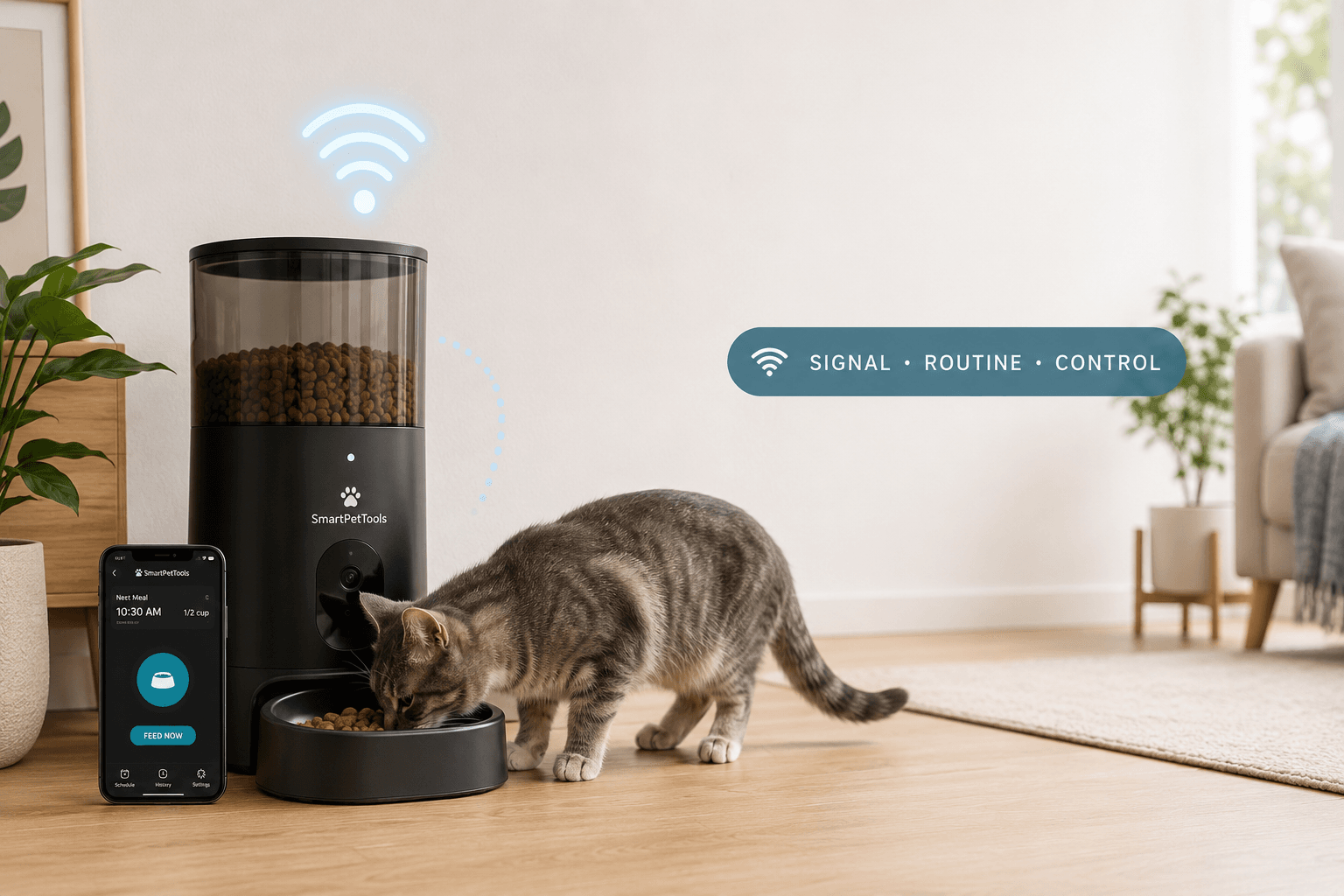
A smart pet feeder wifi connection should be fixed by checking network band compatibility, signal strength, feeder placement, app pairing, router stability, and backup feeding rules. Most connection failures are not solved by repeatedly pressing reset. They are solved by building a stable network path and testing the feeder under real meal conditions before relying on remote feeding.
Why This Happens
Connection problems usually start because the feeder is placed where the signal is weak, paired to the wrong network band, blocked by walls or appliances, or dependent on an unstable router. Many smart feeders are designed for simple home networks, and they need a clean connection path to stay reliable. When that path is weak, the feeder can appear online one moment and unreachable the next.
A smart pet feeder wifi connection failure matters because the pet does not understand the technical cause. The pet only experiences the feeding result. Food arrives, food is delayed, or food becomes uncertain. Once feeding becomes uncertain, the pet starts checking the bowl more often and applying pressure to the owner or the feeding area.
Owners should treat connection setup as part of feeding setup. The process in how to use a smart pet feeder is a better foundation than pairing the app once and assuming the system is ready.
What To Do
Start with the network. Confirm that the feeder supports the network band you are using, keep the feeder close enough to the router, avoid placing it behind metal appliances, and check whether the app stays connected after the phone leaves the home network. Then run scheduled meals and confirm that the feeder dispenses correctly without manual rescue.
A smart pet feeder wifi connection should also be tested after router restarts, app updates, power interruptions, and normal household use. A feeder that works only during first setup is not reliable enough for workdays or short trips. The test is simple: meals must arrive at the right time, in the right amount, without the owner standing beside the device.
Use the connection to protect a real schedule, not to create random food drops. A scientific pet feeding schedule gives the app a clear rule to enforce instead of turning remote feeding into emotional button pressing.
The Feeding Loop Behind This Problem
The feeding loop begins with expectation. The pet expects food at a known time, hears the feeder, eats the portion, and leaves. That loop is calm because the reward is predictable. When the feeder drops offline or the owner cannot confirm feeding, the loop changes. The pet checks the bowl, waits, circles, vocalizes, paws, or pressures the home environment.
A smart pet feeder wifi connection protects the loop only when it stays stable enough to support the schedule. If the connection fails and the owner later adds extra food by hand, the pet learns that disruption can create a larger reward. That makes future food pressure stronger.
If a cat already acts hungry after meals, connection instability can make the behavior louder. The guide on why cats seem hungry after eating explains how repeated checking becomes a learned feeding pattern.
The Emotional Trigger Owners Miss
The emotional trigger is remote anxiety. Owners buy a WiFi feeder because they want certainty while they are at work, traveling, or away during meal time. When the app shows offline, that certainty disappears. The owner reacts with panic, extra feeding, repeated resets, or a backup bowl that breaks the portion plan.
A smart pet feeder wifi connection should reduce anxiety by creating visibility and control. It should not create a new stress loop where the owner constantly checks the app and sends random meals because the pet appears near the bowl. Remote control is useful only when it supports routine discipline.
Dry-food feeding also needs water planning. Connection control does not solve hydration. Pair the feeder setup with pet hydration tips so the home routine is not built around dry food alone.
The Addiction Mechanism
The addiction mechanism comes from uncertain reward. If the feeder fails, reconnects, then drops food later after owner intervention, the pet learns that checking can pay. If the owner uses the app to send extra meals when feeling guilty, the pet learns that food can appear outside the schedule. That uncertain reward makes bowl checking stronger.
A stable smart pet feeder wifi connection reduces this problem by keeping reward timing predictable. Food arrives because the schedule says so, not because the pet checks, begs, or triggers owner guilt. The useful loop is boring: wait, hear the feeder, eat the measured portion, leave.
The feeder should create routine dependency in the right direction. The pet should depend on the schedule, not on connection chaos, owner panic, or random app feeding.
Real-World Impact
The real-world impact of a weak connection shows up as missed meals, duplicated meals, anxious checking, early wakeups, app frustration, and owner overcorrection. If the owner compensates for every connection scare with extra food, portion control breaks. Long-term feeding should stay aligned with healthy pet weight guidance, because remote convenience can still create excess calories.
A smart pet feeder wifi connection is especially important for owners who use feeders during work hours. The automatic pet feeder for work guide explains why scheduled feeding works only when the owner does not need to rush home to repair the system.
For cats on controlled feeding, connection instability can damage the plan. A structured cat weight reduction plan depends on measured meals, not offline alerts followed by emotional refills.
Can This Be Fixed?
Yes, most smart feeder WiFi problems can be fixed when the connection is treated as part of the feeding system. The fix is to stabilize the network, place the feeder within strong signal range, pair it correctly, test scheduled meals, keep the food path clean, and create a backup rule before failure happens.
A smart pet feeder wifi connection should never be trusted after one successful pairing. Test it over several meal cycles. Check whether the app confirms status accurately. Confirm that the feeder resumes normal operation after a router restart. Keep a backup feeding plan that does not turn into open access or random overfeeding.
Who Should Walk Away and Who Should Use This
Walk away from WiFi-based feeding as the main solution if the home network is unstable, the feeder location has poor signal, the pet needs supervised feeding, or multiple pets compete for one bowl. In those cases, the problem is not only connection. The feeding environment needs stronger access control or a different setup.
Use a smart pet feeder wifi connection setup if the pet eats dry food reliably, follows meal routines, and the owner needs remote schedule control during workdays, late returns, or short absences. Owners comparing connected devices should start with smart feeders and screen for app control, portion accuracy, backup access, cleanability, and food flow.
Cat owners can compare cat feeders by bowl access and small portion control. Dog owners should compare dog feeders by capacity, bowl stability, and scheduled feeding strength.
Mini FAQ
Why is my smart pet feeder not connecting to WiFi?
The most common causes are weak signal, wrong network band, poor feeder placement, router instability, or failed app pairing. Move the feeder closer to the router, confirm compatibility, reset the pairing cleanly, and test scheduled meals after connection.
Does smart pet feeder wifi connection quality affect feeding?
Yes, connection quality affects remote control and feeding confidence. A weak connection can block app access and create uncertainty around meal delivery. Stabilize the signal before relying on the feeder while away.
Should I use WiFi feeding for workdays?
Yes, WiFi feeding is useful for workdays when the connection is stable and the schedule is tested. The feeder should protect meal timing while you are away. Test the setup across several full feeding cycles before relying on it.
Can I fix feeder disconnections by resetting it every time?
No, repeated reset is a weak fix when the network problem remains. Resets can restore pairing temporarily, but they do not solve poor signal, wrong placement, or unstable router behavior. Fix the connection path first.
Should I still have a backup plan?
Yes, every connected feeder needs a backup rule. WiFi control does not remove power, router, app, or food-flow risks. Use a planned fallback that protects portions instead of leaving unlimited food access.
For owners who need remote feeding without turning meals into app chaos, a 2L automatic pet feeder with smart app control is useful when the network and schedule are both stable. A smart pet feeder wifi connection is the control bridge between the owner and the feeding routine. Fix the signal, test the schedule, protect the portions, and make the feeder enforce routine instead of becoming another weak link.